Docker and Containers — The Why
‘It works on my machine.’
Those four words have caused more deployment failures, more late nights and more heated conversations between developers and operations teams than almost anything else in software history.
Containers are the solution. Docker is the tool that made containers mainstream. This post explains the concept — what containers are, why they exist, and why they matter — without turning into a command-line tutorial.
🔗 Useful context
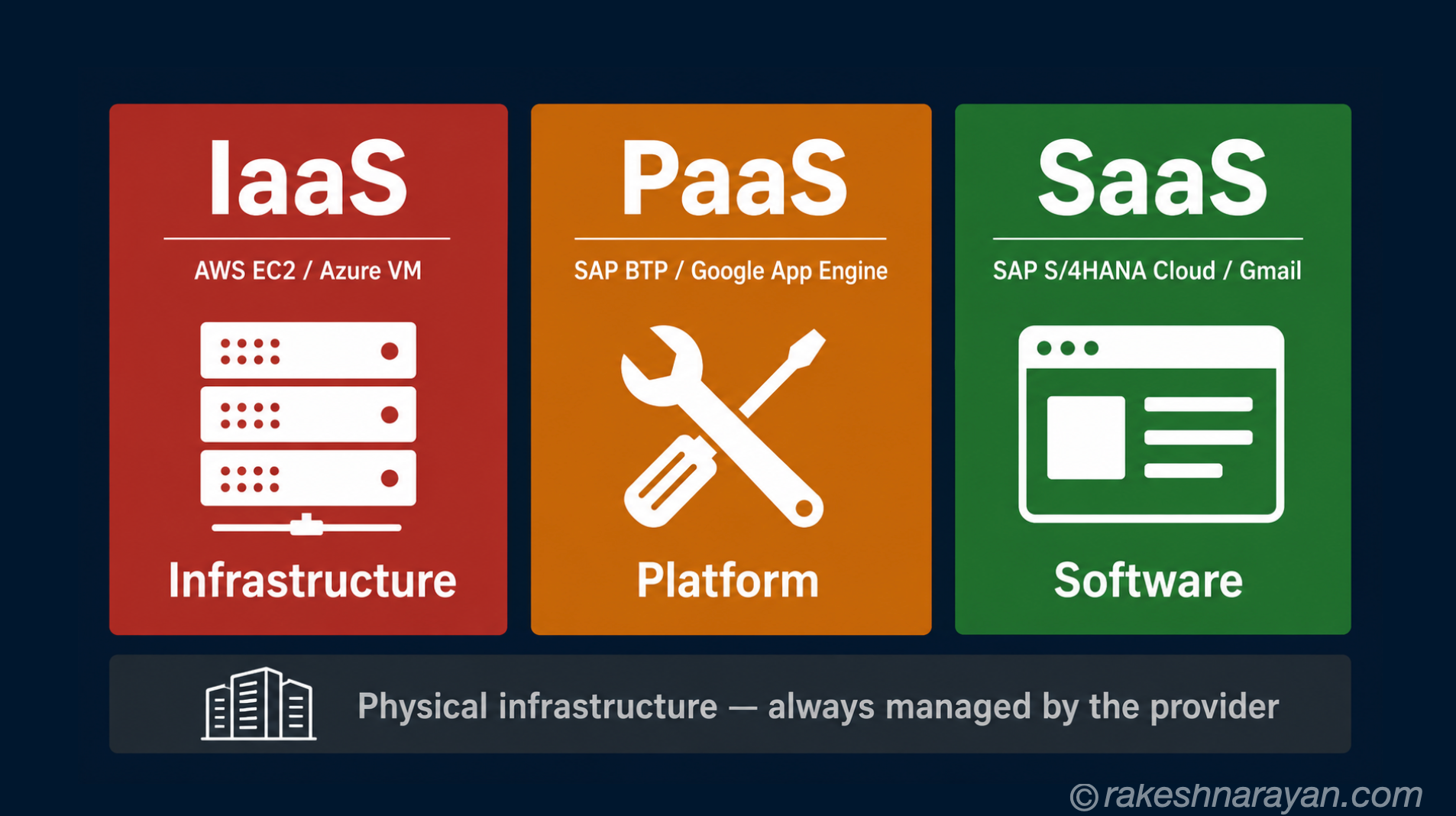
This post connects to The Cloud Service Model — IaaS, PaaS and SaaS — containers are how modern cloud-native applications are packaged and run on PaaS platforms. SAP BTP’s Kyma runtime runs containerised workloads.
The problem containers solve
Software runs in an environment — an operating system, with specific libraries, specific versions, specific configurations. A Python application might require Python 3.11 and a specific database library version. Your development machine has those. The production server might have Python 3.9 and a different version. The application breaks.
The traditional solution was documentation and discipline — write down every dependency, make sure every environment is configured identically. This worked poorly. Environments drifted. Configurations diverged. Deployments failed.
The container solution: package the application together with everything it needs to run — the code, the runtime, the libraries, the configuration — into a single self-contained unit. That unit runs identically everywhere.
| The old approach | The container approach |
|---|---|
| Application runs on the host OS | Application runs inside a container with its own isolated environment |
| Dependencies installed on the server | Dependencies bundled inside the container image |
| Works on my machine problem is common | Same container runs identically on any machine that runs Docker |
| Setting up a new environment takes hours | Pull the container image and run — minutes |
| Environment drift over time | Container is immutable — the image is the same every time |
What a container actually is
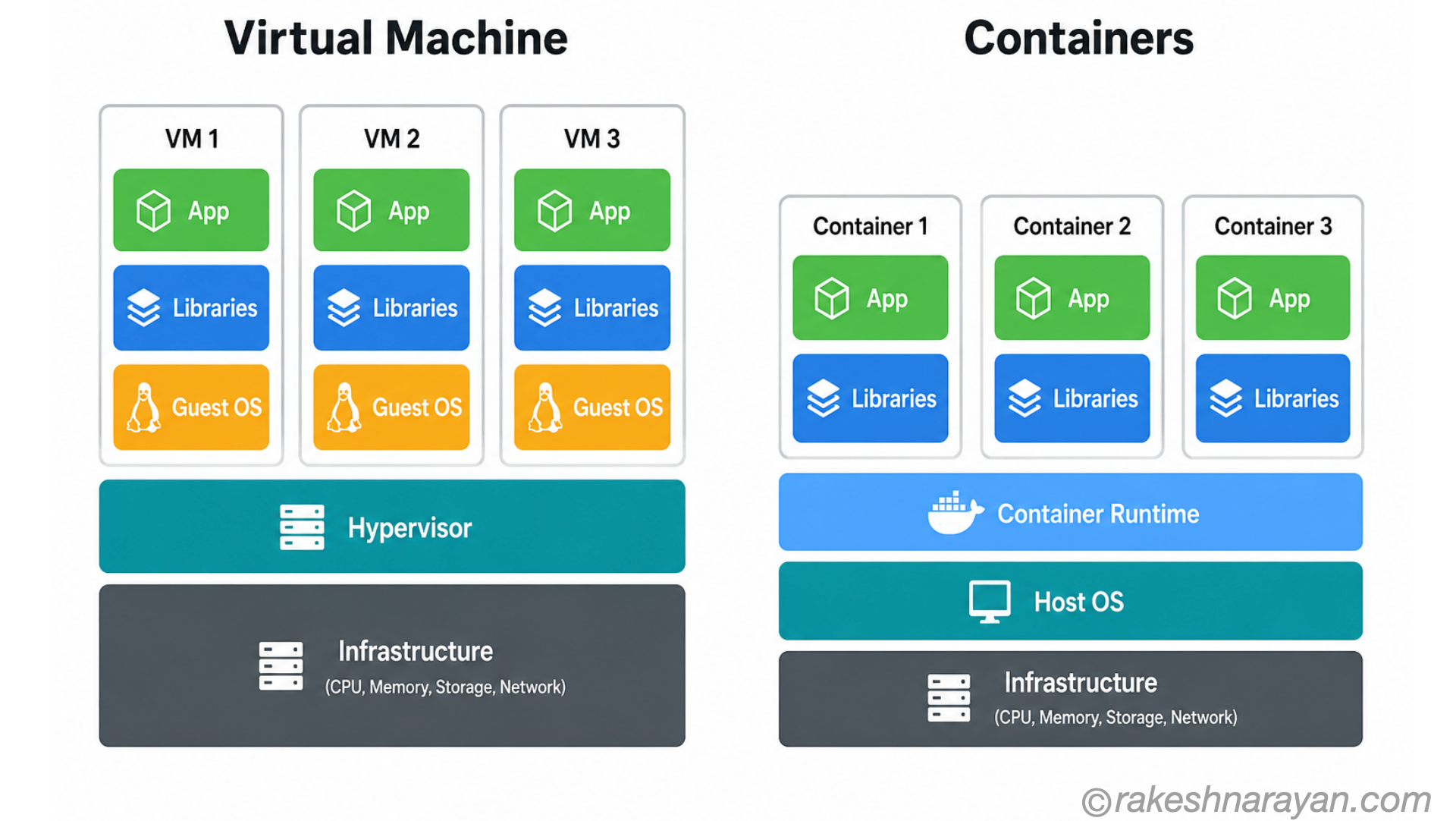
A container is an isolated process running on a host operating system. It shares the host OS kernel but has its own filesystem, its own network interface and its own process space. From inside the container, it looks like a complete environment. From the host, it is just a process.
This is different from a virtual machine (VM), which emulates an entire computer including a separate operating system.
| Container | Virtual Machine (VM) | |
|---|---|---|
| What it includes | App + libraries + runtime — shares host OS kernel | App + libraries + runtime + full guest OS |
| Size | Megabytes — typically 50MB to 500MB | Gigabytes — includes full OS |
| Startup time | Seconds | Minutes |
| Isolation level | Process-level isolation | Full hardware virtualisation |
| Performance overhead | Very low — near native | Higher — hypervisor layer adds overhead |
| Best for | Microservices, cloud-native apps, CI/CD pipelines | Running different OS, legacy applications, full isolation |
Docker — what it is and what it does
Docker is not containers. Docker is a platform that makes working with containers practical. It provides the tools to build container images, run containers and share them through a registry.
Before Docker (2013), container technology existed in Linux but was complex to use. Docker wrapped it in a usable developer experience — and containers went from a specialist technique to an industry standard within a few years.
| Docker concept | What it means | Analogy |
|---|---|---|
| Docker Image | A read-only blueprint for a container — code, runtime, libraries packaged together | A recipe — describes exactly what the container contains |
| Docker Container | A running instance of an image — the live process | A meal cooked from the recipe — many from one recipe |
| Dockerfile | A text file with instructions for building an image | The written recipe itself |
| Docker Hub | A public registry of images — official and community-built | An App Store for container images |
| Docker Registry | Any server that stores images — public or private | Your own private App Store |
💡 Immutability is the key insight
A Docker image, once built, does not change. Every time you run it, you get the same container. This is what eliminates environment drift — the image is the environment. If you need to change something, you build a new image.
Why this matters beyond development
Microservices
Containers are the natural unit for microservices — small, independently deployable services that together form a larger application. Each service runs in its own container, with its own dependencies, deployed and scaled independently.
CI/CD pipelines
Continuous integration and delivery pipelines use containers to ensure that the version of the application tested is exactly the version deployed. The container image that passes tests is the image that goes to production — byte for byte.
Kubernetes
Once you have many containers running, you need something to manage them — starting, stopping, scaling, routing traffic. Kubernetes is the industry-standard container orchestration platform. Most cloud providers offer managed Kubernetes. SAP BTP’s Kyma runtime is a managed Kubernetes environment.
Docker and SAP BTP — the connection
| SAP BTP component | Role of containers |
|---|---|
| Kyma Runtime | Managed Kubernetes on BTP — your containerised apps and microservices run here. Docker images deployed to Kyma. |
| Cloud Foundry Runtime | Also container-based internally — Cloud Foundry manages containers for you without requiring Dockerfile knowledge |
| SAP AI Core | AI model serving uses containerised model endpoints — custom models deployed as container images |
| CI/CD on BTP | SAP’s continuous delivery service builds and deploys containerised applications through pipelines |
💡 You may use containers without knowing it
SAP Cloud Foundry on BTP creates and manages containers for your deployed apps automatically. You push code; the platform handles the containerisation. Kyma is where you interact with containers more directly — building images, defining deployments.
The mental model — in one view
| Concept | One-line summary |
|---|---|
| Container | An isolated self-contained unit — app and everything it needs — that runs identically anywhere |
| VM | A full virtual computer including its own OS — heavier, slower, more isolated |
| Docker Image | The immutable blueprint — built once, run anywhere |
| Docker Container | A running instance of an image |
| Dockerfile | The instruction file that defines how to build an image |
| Docker Hub | The public registry of ready-to-use images |
| Kubernetes | The platform that manages many containers at scale |
| Kyma (SAP BTP) | SAP’s managed Kubernetes — where containerised BTP workloads run |
What to take away
Containers solved a problem that had frustrated developers and operations teams for decades. By packaging an application and everything it needs into a single immutable unit, they eliminated environment inconsistency and made deployments predictable.
Docker made this accessible. Kubernetes made it scalable. And cloud platforms — including SAP BTP’s Kyma runtime — made it manageable without requiring your team to run their own infrastructure.
You do not need to write Dockerfiles to work effectively in a containerised world. But understanding what containers are and why they exist makes every conversation about cloud architecture and deployment clearer.
🔗 Related posts on this site
The Cloud Service Model — IaaS, PaaS and SaaS — containers run on PaaS platforms like SAP BTP, abstracting the infrastructure beneath.
SAP BTP — The Platform Explained — Kyma Runtime on BTP is where containerised SAP extensions and AI workloads are deployed.
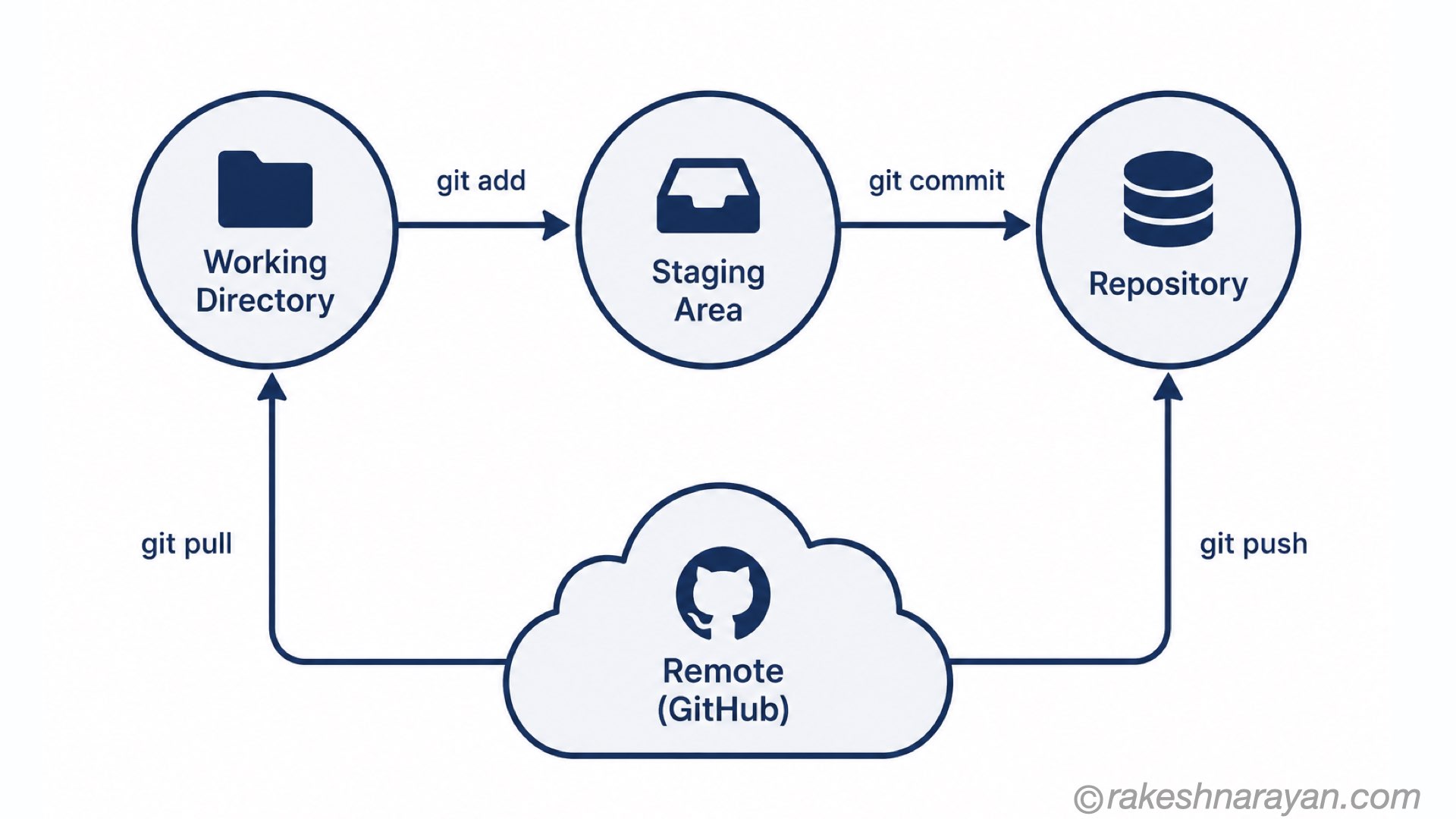
Git — The Mental Model — Git and containers are the two most foundational tools in modern software delivery pipelines.
Published on rakeshnarayan.com — Articles
URL: https://rakeshnarayan.com/articles/docker-containers-the-why/